
Restyle a Word document
Turn a messy .docx — tracked changes, mixed fonts, pasted formatting — into a clean, consistent document and a PDF.
Drop files or a folder
.md · .docx · .tex · .zip — include images and refs.bib
Public repositories. Paste the address of a .md file, a folder or a repository (its README is used). Pictures the file uses are fetched too.
Optional. Follows its page setup, fonts and styles, its headers and footers as in Word (odd / even and first pages, tables, logos, watermark) and page numbers. A cover or letterhead in it is used too: mark the values with {{title}}, {{date}}… and the place of your text with {{body}}.
More options
Done
The conversion didn't finish
Write Markdown. Deliver real documents.
Every page here was typeset by this converter from the source beside it. Nothing retouched.
---
title: Northwind Smart Campus Feasibility Study
subtitle: Draft for review
date: 2026-10-20
client: City Renewal Authority
report-no: NW-2026-018
---

# Project overview

Northwind Smart Campus sits on 38.6 hectares in the east of the high-tech zone, with 520,000 m² of floor area for R&D offices, pilot plants, staff housing and services. Construction takes 36 months.

# Why build it

The campus is expected to create about 12,000 jobs and USD 1.2 billion of annual output, strengthening the region's innovation chain.

…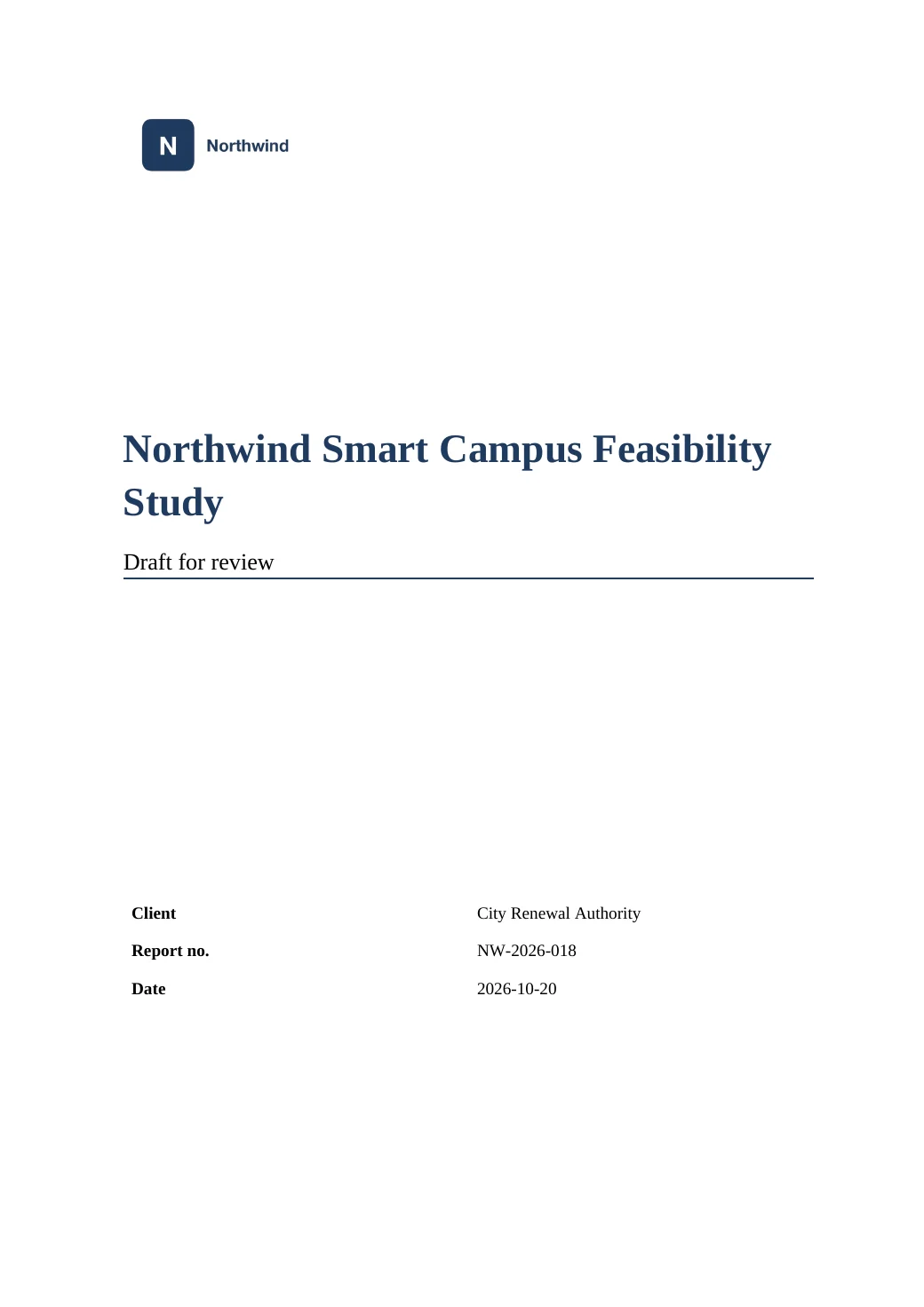
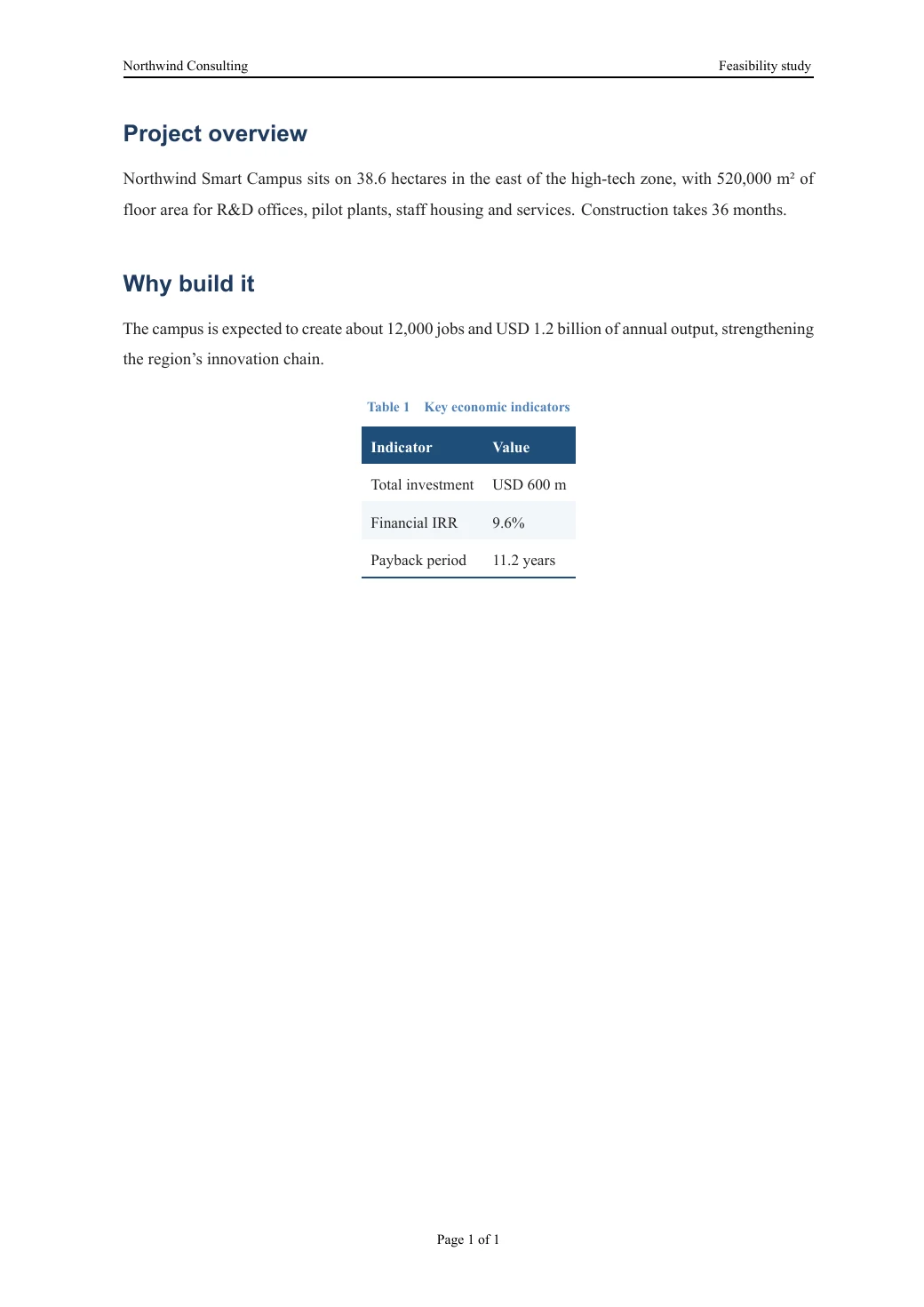
Your company template's cover, logo and header, with the values filled in from the document.
Open this PDF ↗Also delivered as an editable Word file
Browse all examples, with PDF, Word and source to download →
Tracked changes
Accept or reject every insertion, deletion, move and formatting change in one step.
What matters is kept
Text colors, highlights, font sizes, images, tables and equations survive the conversion.
Consistent formatting
One set of heading, caption and body styles throughout the document.
Editable Markdown too
The cleaned content also comes as Markdown with its images — handy for revisions with AI tools.
How it works
- 1
Upload the .docx
Drop the Word file. Tracked changes and comments are detected automatically.
- 2
Decide on changes
Under More options, accept or reject all tracked changes, and keep or replace the original page size and heading styles.
- 3
Download
Get a consistent Word file and a typeset PDF, plus the content as Markdown if you want to edit it further.
Questions and answers
What happens to comments?
Comments are not copied into the result; the notes after conversion tell you how many there were.
Can I use my organization's template?
Yes. Under Template, choose your organization's .docx: the result follows its paper size, margins, fonts, heading and caption styles, header (text and logo), footer and page-number format. Without a template, the source document's own page size and heading styles are kept.
Is .doc (old Word) supported?
Save it as .docx in Word or WPS first.
Are my documents kept?
No. They are deleted automatically after 2 hours, or at once when you click Delete from server.